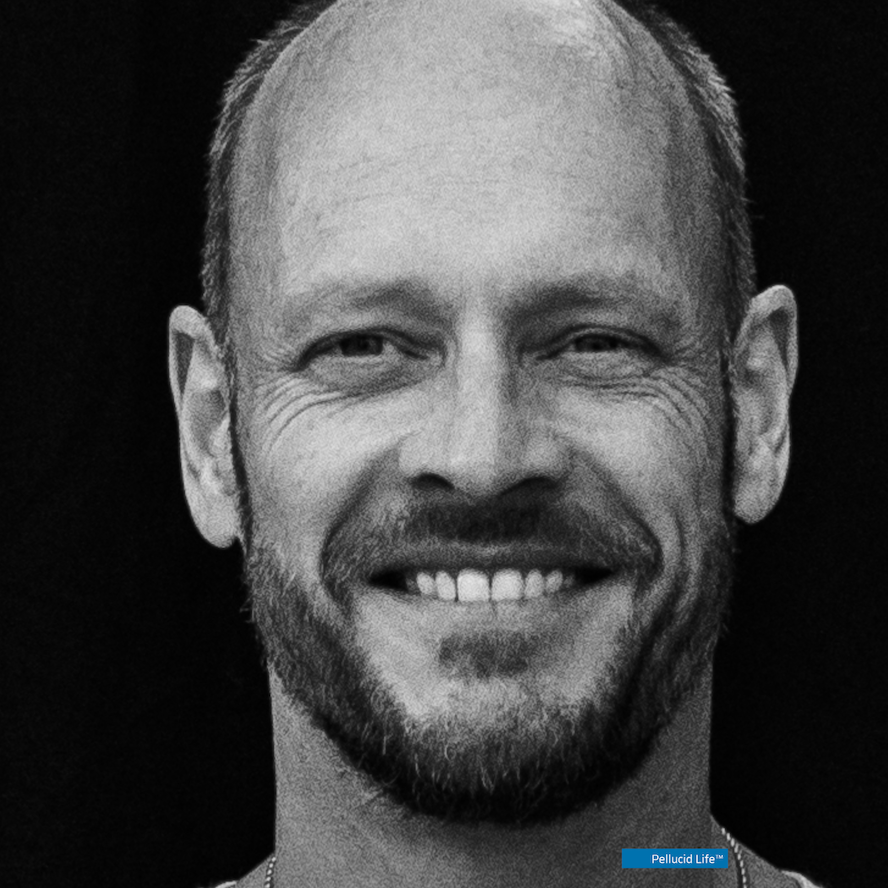
About Me
We are here for the joy of the journey.
We use curiosity and impact analysis to help people make sense of our opportunities to take action. We see stress-reduction, get clarity, resolve conflicts, and provide value to those who rely on us for solutions with SaaS. This leads to better outcomes, and we attract & retain better players and build stronger teams.
i help people
🦄 train their unicorns™
🌡️ as a solutions consultant (RevOps, pre-sales, management consulting)
⏱️ measure for radical results
🏄 build GTM systems that work
🕹️ play the long game to belong
Schedule 15 Minutes
Jon H Williams
Somewhere in Central Time
On the amazing planet Earth
https://www.linkedin.com/in/jonhwilliams
Experience
Solutions Engineering Manager
Startup - RevOps for blockchain, web3 • April, 2021 - Present
Pre-revenue, early-stage startup evolving privacy-centric art & entertainment with immersive new technology for customer experience using social-first, founder-led, & product-led sales motions. Jack-of-all-trades helping founders solve the most pressing problems of product market fit and operational integrity.
Member
PreSales Collective • March, 2021 - Present
We are on a mission to elevate the role of PreSales in organizations worldwide. We work to provide PreSales professionals with the resources, knowledge, network, and mentorship to develop rich, contributing, meaningful careers in PreSales.
Solution Architect
Enterprise Pre-Sales • January, 2019 - April, 2021
A privately-held, globally-distributed enterprise software company, Aurea supports 3,000+ customers using 17+ SaaS products, and is one of the largest privately held software companies in the world. Reporting to the SVP of Solutions, provided commercial sales engineering for large customers. Develop/deliver POCs. Communicated product vision, roadmap & strategy. Coordinated cohesive demonstrations to drive feature adoption and new customer acquisition. Developed API integrations with emphasis on Jive for enterprise collaboration. Conducted business reviews with key customers to engage with their journey and understand their focus. Provided solutions demos. Collaborated with sales, customer success, product, & engineering to support CX.
Senior Solutions Manager
Management Consulting • 2011 - 2018
In multi-capability management consultancy, reported to directors of finance transformation projects in EEA (EPM, ERP, Analytics), EPM (Enterprise Performance Management), and Infrastructure Practices. On-site, customer-facing responsibility for project success at 25+ Fortune companies.
Tools
Tools I cannot live without • 2023
Honorable mentions: Flask, grav, LLM, PyTorch, Hugging Face, HTML5, Javascript, css, Scrivener, LibreOffice, Zoom, Meet, ZeroTier, Slack, Habits(iOS), Canva, PLANN, Skiff, Signal, Excel
Training
SE Leadership Institute Black Belt
Sales Engineering Leadership in SaaS certification (SELI) • March 2021
American InterContinental University
Bachelor, Information Technology • graduated cum laude, 3.63/4.0
Activities and societies: Senator, Student Council





Miro AI
You're here to create the next big thing and we're here to help. Unlock the power of your ideas with Miro AI – your new launchpad for creativity, collaboration, and productivity..
AI, Go Big
cello
Turn users into your most valuable growth channel. Cello is the easiest way to add a P2P referral program to any SaaS product in hours..
Affiliate Growth

DEVPOST
Build products, practice skills, learn technologies, win prizes, and grow your network..
Develop, Defi
DoraHacks
Explore the world of innovation at DoraHacks, BUIDLs, continuous funding, grants, bounties, and hackathons..
Photography
Referral links (unpaid)
zcal is the fastest way to schedule every meeting. No more emailing back-and-forth, switching tabs to see your calendar, or checking off time slots to find the best meeting time. Schedule 1-on-1's, team meetings, and more with our modern, easy-to-use web app. Try scheduling a meeting with me here.
Testimonials
source: Latin maxim'tres faciunt collegium - three makes company (an organization)'
Get In Touch
We accelerate impact analysis to drive agile delivery in operations, sales, and engineering. My experience in top-tier consulting firms, with insights gained in analytical, technical, and strategic roles, facilitates high-quality, high-energy conversations. If you believe the best predicate of a delightful outcome is mindset, followed by an ability to place extraordinary focus and attention on doing the right things, at the right time, we are already moving in a good direction. If you need high EQ/high IQ input on building systems that work, please reach out by connecting on LinkedIn?